
Introducing Agency Access: the end of the shared client login
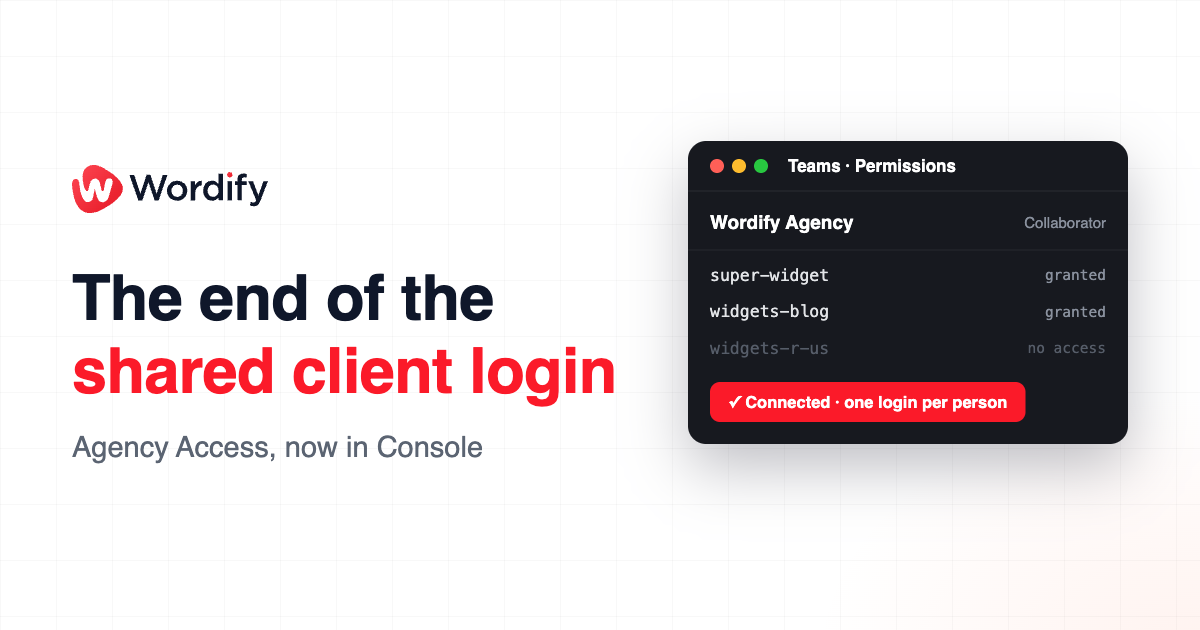
If your agency manages client WordPress sites, you know the drill: the whole team signs in to each one with the same shared login. Everyone knows the password, nobody can tell who did what, and when someone leaves you have to change it for every client.
Agency Access ends the shared login. A client now invites your agency once, instead of adding your people one by one. Someone who owns your Wordify team, or is a Team Admin on it, accepts, and from then on everyone at your agency works on that client's sites signed in as themselves.
One invitation covers your whole team
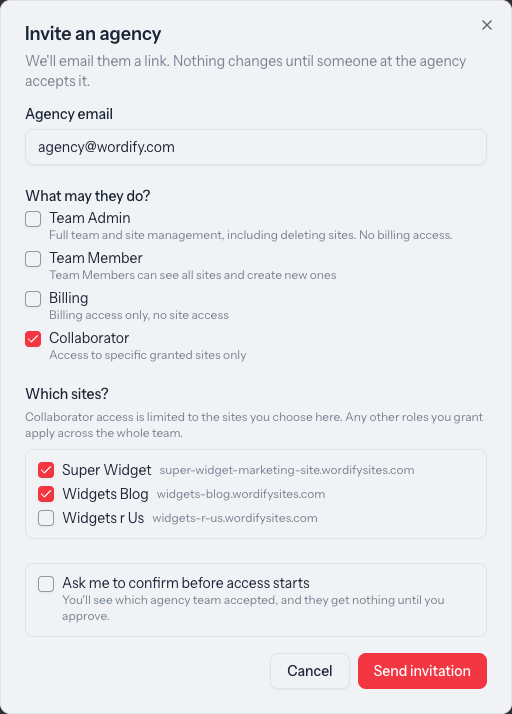
Your client sends a single invitation to your email address and picks a role for your agency: Team Admin, Team Member, Billing, or Collaborator with a chosen list of sites. Once you accept, the client's team simply appears in your team switcher. There's nobody to onboard one at a time.
Everyone signs in as themselves
Your people use their own Wordify accounts and their own credentials. If the client's team requires two-factor authentication, it applies to each person individually rather than to one shared login. And when someone leaves your agency, you remove them from your team once; there's no shared password to rotate across every client.
Clients see your agency, you see your people
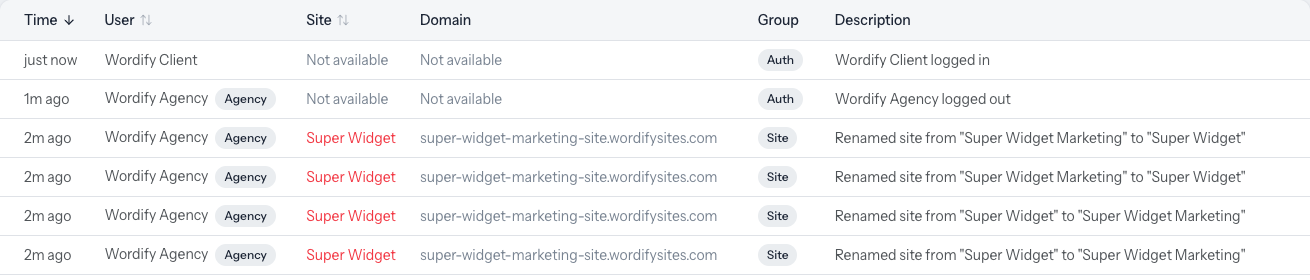
The client's Activity Log shows your agency's name against every change, and never your staff's names or emails. On your side, the log shows exactly which team member did the work. Clients get clean accountability; you keep an individual audit trail.

Access stays scoped
A person's access to a client is always the lesser of what the client granted and their role on your team. Collaborators on your team also need to be opted in per site, so junior or external staff stay contained. The client can adjust or disconnect the arrangement at any time, and any site grants end with it. How agency roles and permissions combine has the full matrix.
Why it matters
- New clients connect in one step. Your whole team is on board with a single invitation, instead of a seat request per person or one more entry in the shared vault.
- Contractors stay contained. A junior or external developer can be scoped as a Collaborator on exactly one site, and nothing else.
- Clients can say yes with confidence. They choose the ceiling, see your agency's name on the work, and can revoke access whenever they want.
How to get connected
Agency Access is client-initiated, so the invitation starts on the client's side:
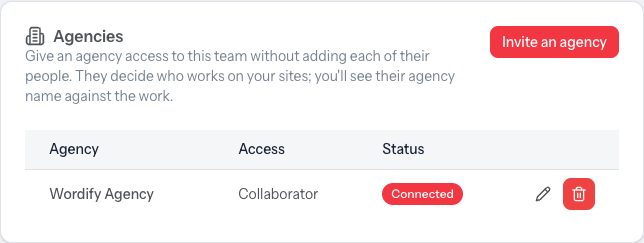
- Your client goes to Teams, opens their team, and finds the Agencies card on the Permissions tab.
- They select Invite an agency, enter your email address, and choose your agency's access level.
- Anyone who owns your agency's Wordify team, or is a Team Admin on it, accepts the emailed link and picks which team to connect.
- The connection shows as active on both sides, and your team can get to work.
Agency Access is live for every Wordify team today, on every plan, at no extra cost.
Ready to retire the shared login? Send your client the step-by-step guide, How to invite an agency to your team, or read the agency-side detail in Agency Access: work on client sites with your own logins. Questions? Message us from the Console; our support team responds within our one-hour SLA.