
What we saw in the UpdraftCentral key attack, and how we blocked it
On October 19, 2026, the security firms Nethemba and Patchstack reported that someone was installing backdoor plugins on WordPress sites through UpdraftCentral, the remote management service that ships inside every copy of UpdraftPlus. We saw the same attacker on our platform. This post covers what the attack is, what we found, what we changed at our firewall, and what you can check on your own sites.
What happened
UpdraftCentral lets you manage many WordPress sites from one dashboard. When you connect a site, the site stores a key and from then on runs any command signed by the dashboard, with the permissions of the person who connected it. That includes installing plugins.
The attacker had genuine dashboard keys, so their commands carried a valid signature and every check in UpdraftPlus passed. Patchstack is clear that this isn't a code flaw in UpdraftPlus. On October 19, TeamUpdraft, the company behind UpdraftPlus, said it had found unauthorised access to its systems over the weekend of October 17–18 and believes its customer database was accessed, including UpdraftCentral connection keys.
Two details make this worse than it sounds:
- The keys don't expire. Nethemba found keys from November 2025 still working in October 2026.
- You may have a key without knowing it. Patchstack and Nethemba both report that connecting a site to a TeamUpdraft account can add it to UpdraftCentral by default.
The plugin the attacker installed was dressed up as a maintenance tool. When visited with a secret code in the address, it created an account with the Editor role, then quietly gave it two abilities normally reserved for administrators: changing site settings and installing plugins. Because the account is listed as an Editor, it won't show up if you only look for unexpected administrators. It then logged the visitor in, skipping the login page and any two-factor authentication. The samples Patchstack and Nethemba analysed had a coding bug that crashed the plugin before it could do anything, which is how several site owners noticed. Not every version had that bug.
What we saw on Wordify
The attacker's traffic reached our platform from the evening of October 18 (UTC) and was still arriving at 10:35 UTC on October 19, about an hour after the last installation Patchstack had recorded.
They contacted a small share of the sites we host, and almost all of those had no UpdraftCentral key, so the commands did nothing. Only a handful of sites had an UpdraftCentral connection the attacker could use to install a plugin. We found and removed those plugins the same day, checked the sites' files and user accounts, and we're contacting the owners directly.
We also removed the UpdraftCentral keys from every site we host that had one, including the sites the attacker hadn't reached. The stolen keys can't be used against those sites again, even once our firewall rule comes off.
When the attacker came back to one of those sites, they installed a second, different backdoor. It was a single small file with the description "Maintenance helper." and, unlike the earlier samples, it had no bug. It didn't create a new account; it would have logged the visitor in as an existing administrator. We removed it, and we found no sign it had been used.
What we did at the firewall
On October 19 we added a rule to the web application firewall that sits in front of every site we host. It blocks three things:
- the UpdraftCentral remote command channel
- the request that triggers the backdoor's login
- the software the attacker used to send commands
We tested the rule against millions of real requests from our logs before switching it on, and had it running across our whole platform the same day.
There's a cost. While the rule is on, UpdraftCentral remote management doesn't work for sites we host, and neither do UpdraftPlus Migrator pushes into a Wordify site. That includes self-hosted UpdraftCentral dashboards, which TeamUpdraft says aren't affected by the leak. We found no genuine UpdraftCentral use in our logs, so we expect this to affect very few people. UpdraftPlus backups keep working as normal.
What to check on your sites
Whoever hosts your site, these are worth doing now:
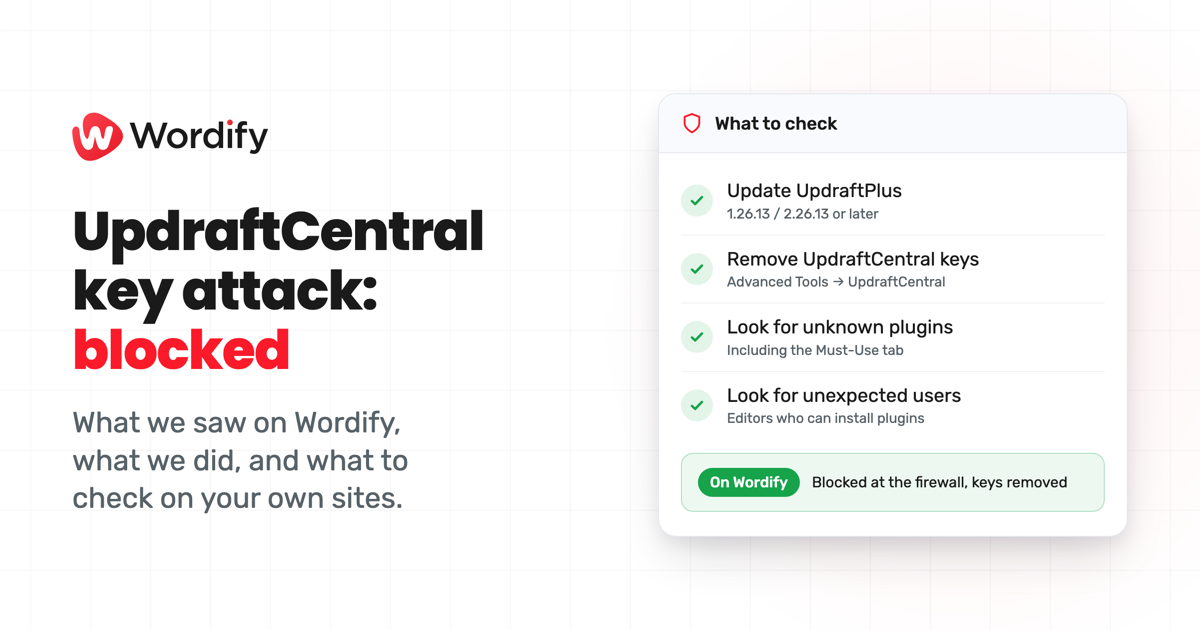
- Update UpdraftPlus to 1.26.13 (free) or 2.26.13 (Premium) or later. These releases revoke UpdraftCentral keys created before the incident.
- Check for UpdraftCentral keys in Settings → UpdraftPlus Backups → Advanced Tools → UpdraftCentral, and delete any you don't use. Do this even after updating: Nethemba reports that keys created during part of October 18 aren't removed by the update. Removing the site from your UpdraftCentral dashboard isn't enough, because the key lives on the site. Your backups keep running.
- Look for plugins you don't recognise, including on the Must-Use tab. Every sample Patchstack saw had the description "Small maintenance toolkit: keeps option storage tidy." The variant we found said "Maintenance helper."
- Look for unexpected users, especially Editor accounts that can also manage settings or install plugins. Patchstack lists the account details it saw.
If you find a backdoor, Patchstack's article explains how to remove it safely. Don't try to fix a broken one: repairing the bug switches the backdoor on.
If you host with Wordify
You're already protected: we've removed UpdraftCentral keys from sites we host, and our firewall blocks the attack. You don't need to do anything. If you use UpdraftCentral and want to reconnect, please talk to our support team first so we can tell you where things stand with the block. If you have any questions about your site, or want us to take a look, get in touch.
Sources
- Patchstack: UpdraftCentral key compromise and WordPress backdoors (October 19, 2026)
- Nethemba: UpdraftCentral backdoor analysis (October 19, 2026, updated October 20)
- TeamUpdraft: security incident, what customers need to know (October 19, 2026)
- UpdraftPlus on WordPress.org, changelog for 1.26.12 and 1.26.13 (October 19, 2026)